Movement Audit

Here is how to submit your gait cycle video

Analyzed by Gabriel Saravia, Engineer, Injury Recovery Specialist & Inventor of The Paraball

You're One Step Away From Getting Your Gait Analyzed. Follow the instructions below, upload your video, and I'll take it from there.

To give you the most accurate analysis possible, video quality matters. Take 2 minutes to set this up correctly, it makes all the difference.

HOW TO FILM YOUR VIDEO

Camera Setup

- Film in vertical format 1080p × 1920p (HD) resolution

- 60 fps (frames per second) preferred

- Use a tripod, no handheld footage

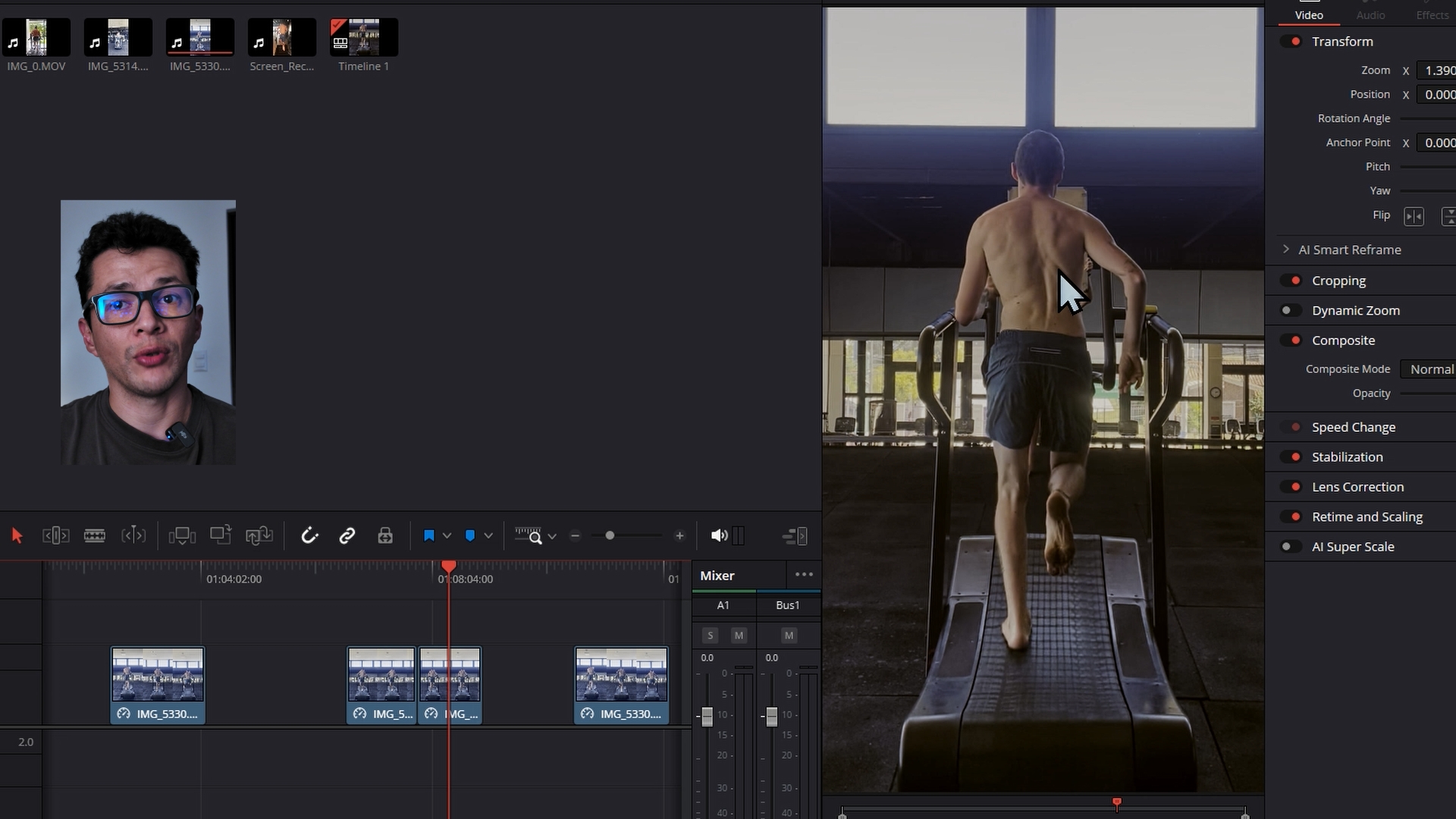
- Position: Film from directly behind (posterior view) Your full body must be visible from head to foot at all times.

- Additional lateral view is welcomed. You will have to merge both files into a .zip file, since the form only allows one upload.

- A curved, non-motorized treadmill is preferred. A standard treadmill works if that's what you have access to

- What to Wear Form-fitting clothing, leggings, compression shorts, fitted top (shirtless preferred for clearer visibility)

Avoid loose or baggy layers over the hips, knees, or ankles

Once I receive your video I'll review it personally and reach out if you're selected

💡 Tip: The upload form is managed by Google Forms. For the smoothest experience, open this page in your phone's default browser before uploading.

By uploading your video you agree to have your gait analysis featured publicly on The Paraball Instagram page as part of the Movement Audit series. Your submission may be used in short and long-format content. Your participation is completely voluntary and you may withdraw your consent at any time before the content is published by contacting us at [email protected]